Running a YouTube channel involves much more than recording a video and uploading it.
A creator may spend hours researching a topic, writing a script, editing the footage and designing a thumbnail before the video even goes live. After that, there are titles, descriptions, search terms, audience retention, click-through rates and performance data to look at.
YouTube itself provides some of these tools through YouTube Studio. Other platforms have built products around the parts of the process that YouTube does not cover in as much depth, such as keyword research, competitor analysis, thumbnail design, editing and content repurposing.
The tools are also quite different from one another. TubeBuddy and vidIQ are built around YouTube growth and research, while Premiere Pro and CapCut deal mainly with video production. Canva is useful before a video goes live, and Social Blade is more concerned with channel and competitor statistics.
This article covers 10 widely used YouTube tools in USA and the part of the YouTube workflow each one is designed to handle.
Quick Look at the Top YouTube Tools in USA
| Rank | Tool | Main Use | Best Known For |
| 1 | TubeBuddy | YouTube management and SEO | Keyword tools, bulk processing and testing |
| 2 | vidIQ | YouTube research and growth | Keywords, competitors and AI ideas |
| 3 | YouTube Studio | Channel management | Analytics and video performance |
| 4 | Canva | Thumbnail and graphic design | Templates and quick visual creation |
| 5 | Adobe Premiere Pro | Professional video editing | Editing, colour and audio |
| 6 | CapCut | Video editing | Fast editing and Shorts |
| 7 | ChatGPT | Ideas and writing | Scripts, titles and content planning |
| 8 | Descript | AI-assisted editing | Transcript-based editing and repurposing |
| 9 | Social Blade | Channel analytics | Public statistics and comparisons |
| 10 | Google Trends | Search research | Topic demand and search trends |
1. TubeBuddy
| Founded | 2014 |
| Type | Browser extension and YouTube toolset |
| Main Focus | YouTube SEO and channel management |
| Key Users | YouTube creators and channel teams |
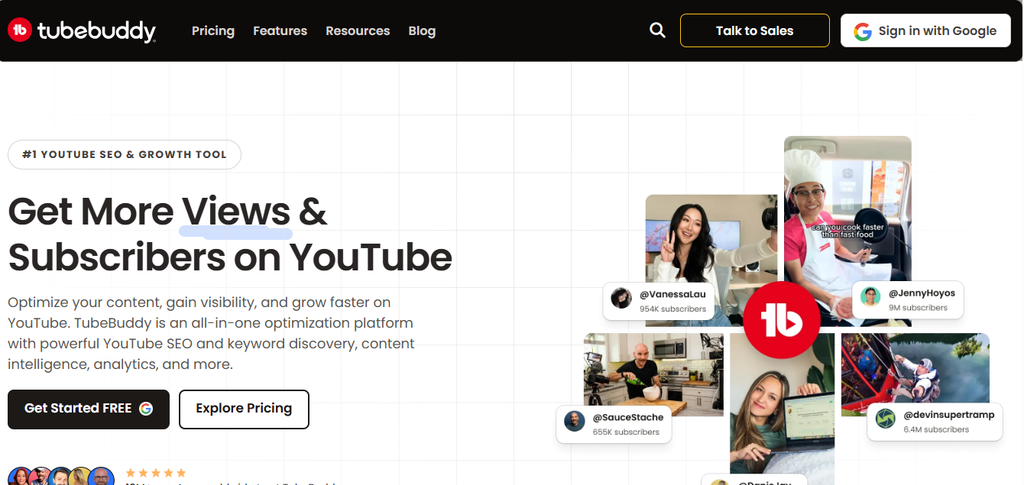
TubeBuddy works as a browser extension that adds its tools directly to YouTube. Instead of moving between a separate dashboard and the YouTube interface for every task, creators can access many of its features while working on their channel.
A large part of TubeBuddy’s appeal comes from the number of smaller YouTube tasks it puts in one place. Keyword research, title and tag work, video optimisation and channel management all sit alongside one another.
The platform also includes tools for handling several videos at once. That matters more as a channel grows because changing titles, descriptions or other details manually across a large video library can take considerable time.
Thumbnail testing is another part of its feature set. Rather than judging a thumbnail only by how it looks before publishing, creators can use testing features to compare different versions and see which performs better.
TubeBuddy is therefore less about editing the actual video and more about what happens around the video. The extension sits inside the YouTube workflow, which is useful for creators who want their research, optimisation and channel-management tools close to the platform itself.
Unique Offerings
- YouTube SEO tools
- Keyword research
- Bulk video processing
- Thumbnail testing
- Video optimisation
- Channel management
- Browser extension
Official website: TubeBuddy
2. vidIQ
| Main Focus | YouTube growth and research |
| Key Tools | Keywords, competitors, ideas and AI Coach |
| Platform | Web, browser extension and mobile |
| Main Users | Creators, marketers and channel teams |
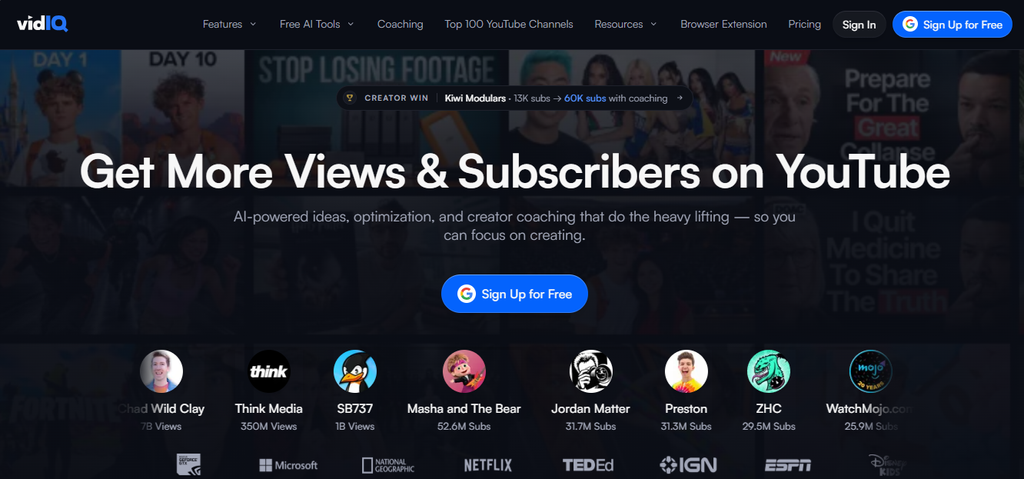
vidIQ is built around a different part of YouTube work: figuring out what to make and how a video fits into the wider search landscape.
Its keyword research tool provides search volume, competition and related keyword information. Creators can start with a broad topic and narrow it down into phrases and questions that people are searching for on YouTube.
The competitor tools add another layer. A creator can compare their channel with other channels and look at what is working within a particular niche. That can be useful when a channel has reached a point where simply looking at its own analytics is not enough.
vidIQ has also put more of its research process into AI. Its AI Coach can use channel information to help with ideas, titles, audits and competitor-related questions rather than giving completely generic YouTube advice.
The distinction between vidIQ and a basic keyword tool is fairly important. The platform is not only trying to answer “what keyword should I use?” It brings together keyword research, content ideas, competitor information and channel data.
Unique Offerings
- YouTube keyword research
- Search volume and competition data
- Competitor analysis
- Video ideas
- AI Coach
- Channel research
- Trend discovery
Official website: vidIQ
3. YouTube Studio
| Owner | YouTube |
| Cost | Free |
| Main Focus | Channel management and analytics |
| Key Data | Views, watch time, audience and revenue |
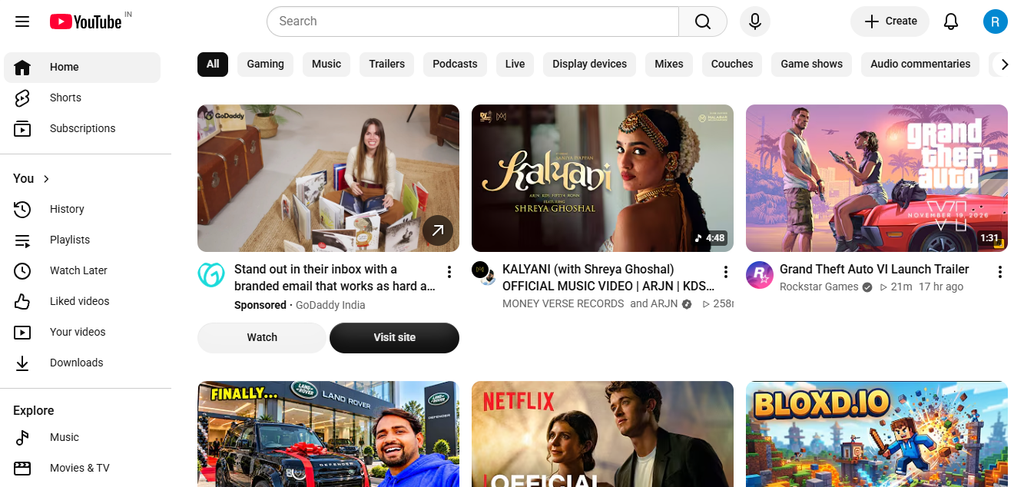
YouTube Studio is the tool most creators will eventually need, simply because it is built into YouTube itself.
The dashboard brings together video publishing, channel management and performance data. Its Analytics section covers areas such as views, watch time, subscribers, audience behaviour, traffic sources and revenue. YouTube also provides a Trends section for finding content ideas and gaps.
The useful part of Studio is that the numbers come directly from the channel rather than from an outside estimate. A creator can see how an individual video performed, where viewers came from and how the audience interacted with it.
Advanced Mode provides more detailed reports, including the ability to compare performance and export data. That becomes more useful when a channel has enough videos to make simple dashboard numbers difficult to interpret.
YouTube Studio is not intended to replace a professional editing program or a dedicated keyword research platform. Its job is much more straightforward: it gives channel owners the tools and data needed to publish, manage and understand what is happening on their own YouTube channel.
Unique Offerings
- Channel analytics
- Video performance reports
- Audience data
- Revenue reporting
- Traffic-source analysis
- Trends research
- Advanced analytics and exports
Official website: YouTube Studio
4. Canva
| Founded | 2013 |
| Main Focus | Graphic design |
| YouTube Use | Thumbnails, banners and graphics |
| Platform | Web and app |
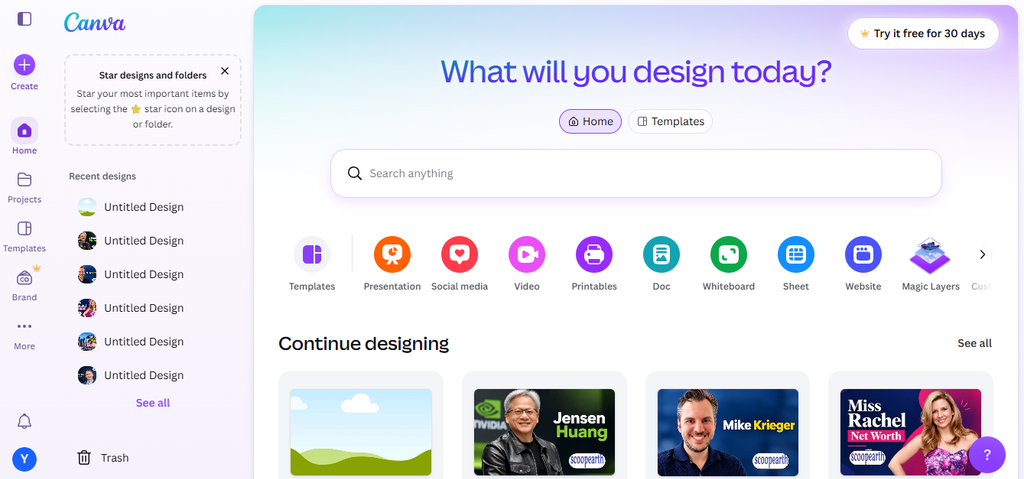
Canva is not a YouTube-specific platform, but it has become useful to creators because so much of a YouTube channel depends on visual material outside the video itself.
The most obvious example is the thumbnail. Canva provides templates and editing tools that let users create YouTube thumbnails without starting the design from a blank canvas. Its YouTube thumbnail tools are built around the dimensions and format required by the platform.
A creator can also use Canva for channel banners, social posts, presentation graphics and other promotional material connected with a video.
Its appeal is largely about accessibility. Someone who does not use Photoshop or a professional design application can still work with images, text, layouts and templates in one interface.
Canva has also added AI-powered editing features to its wider design platform. That gives creators more options for removing or changing parts of an image without having to open a separate image-editing application.
For a YouTube channel that needs regular thumbnails rather than elaborate graphic design work, that simpler workflow can be more useful than a much more complicated design application.
Unique Offerings
- YouTube thumbnail templates
- Channel graphics
- Drag-and-drop design
- Image editing
- AI-powered design features
- Social media graphics
- Brand templates
Official website: Canva
5. Adobe Premiere Pro
| Developer | Adobe |
| Main Focus | Professional video editing |
| Key Features | Editing, colour and audio |
| Typical Use | Long-form and professional video |
Adobe Premiere Pro is Adobe’s video editing software for professional productions. It uses a timeline where editors can cut footage, arrange video and audio tracks, add effects and prepare the final video. The software also supports editing footage from multiple cameras in the same project.
Premiere Pro includes separate tools for colour, audio, titles and effects. Editors can correct colours, adjust the look of individual shots, clean up dialogue and work with music and sound effects without leaving the project. It also has a range of transitions and effects for the final edit.
The software is often used for videos that need more editing than a simple cut-and-export job. A recorded interview, for example, may contain footage from two cameras, separate audio and additional clips that need to be placed between the main shots. Premiere Pro lets the editor keep all of this on the same timeline.
Premiere Pro also works with other Adobe applications. Editors can bring images from Photoshop and Illustrator into a project, while Creative Cloud provides access to other Adobe tools and services used in video production.
Unique Offerings
- Multi-track video editing
- Colour correction and grading
- Audio editing
- Effects and transitions
- Professional timeline
- Multi-camera editing
- Integration with Adobe Creative Cloud
Official website: Adobe Premiere Pro
6. CapCut
| Main Focus | Fast video editing |
| Platforms | Desktop, mobile and web |
| Popular Use | YouTube Shorts and social video |
| Editing Level | Beginner to intermediate |
CapCut is a video editor built around quick editing, with versions available across desktop, mobile and web. Its basic editing tools cover trimming clips, arranging scenes, adding text and captions, working with audio and applying transitions.
The software is well suited to short-form videos, including YouTube Shorts, but it does not limit users to vertical content. The same editor can handle longer videos as well. A creator working on a simple talking-head video, for example, can cut footage, add captions and prepare the finished file without moving between several different applications.
Templates are another part of CapCut. The platform provides ready-made templates, effects, filters, stock material and audio that can be added to an edit instead of being created from the beginning. That matters more for channels that publish frequently and repeat similar types of videos.
CapCut also includes tools for captions, transcription, colour correction and background removal. Some of these features use AI to handle tasks that would otherwise require more manual editing.
The software is less suited to productions that need extensive control over a large number of video and audio tracks or detailed post-production work. Editors working on more complicated projects may move to software such as Premiere Pro once the editing requirements become more demanding.
For straightforward YouTube videos and Shorts, however, CapCut covers the main editing tasks without requiring the same level of setup as a professional editing application.
Unique Offerings
- Desktop video editing
- Mobile editing
- YouTube Shorts creation
- Auto captions
- Templates
- Effects and transitions
- Vertical video tools
Official website: CapCut
7. ChatGPT
| Developer | OpenAI |
| Main Focus | AI assistance |
| YouTube Use | Ideas, scripts and planning |
| Platform | Web and app |
ChatGPT can be used at several stages of making a YouTube video, although it is not a video editor or an analytics platform. Its main use is in writing, research and working through ideas.
A creator can start with a topic and use ChatGPT to find different angles for the video. It can also help turn notes into an outline, work through a script or come up with different title ideas.
The same conversation can be used for other parts of the video as well. Descriptions, talking points, introductions and ideas for Shorts can all be worked out before the video goes live.
The information still needs to be checked before it goes into a finished video. ChatGPT can help with the first draft, but the creator has to decide what is accurate, what fits the channel and what actually sounds right for the intended audience.
It also does not provide the channel data that comes from YouTube Studio. A title may look good on paper, but only the channel’s own results can show how viewers responded to it.
Unique Offerings
- Video idea generation
- Script development
- Content outlines
- Title brainstorming
- Description writing
- Research assistance
- Content repurposing
Official website: ChatGPT
8. Descript
| Main Focus | AI-assisted video editing |
| Key Feature | Transcript-based editing |
| Popular Use | Podcasts, interviews and repurposing |
Descript uses a transcript as part of the editing process. After a video or audio recording is transcribed, the words appear alongside the recording and can be edited like a document.
Removing a section of the transcript also removes that part of the recording. This can save time when editing an interview or podcast, where most of the video consists of people speaking.
The software also has tools for removing filler words and cleaning up recordings. A longer interview or podcast can then be cut into shorter clips for YouTube Shorts and other platforms.
This type of editing works best with videos that rely heavily on speech. A talking-head video, interview or webinar can be easier to work through when the editor can read the recording instead of searching through the timeline for every change.
Descript is not designed to replace more advanced editing software in every situation. A project with complex visual effects, detailed colour work or a large number of layers will still suit an editor such as Premiere Pro.
Unique Offerings
- Transcript-based video editing
- Automatic transcription
- Filler-word removal
- Audio cleanup
- Screen recording
- Short-form clipping
- Content repurposing
Official website: Descript
9. Social Blade
| Founded | 2008 |
| Main Focus | Public social-media statistics |
| YouTube Use | Channel and competitor research |
| Coverage | YouTube and other platforms |
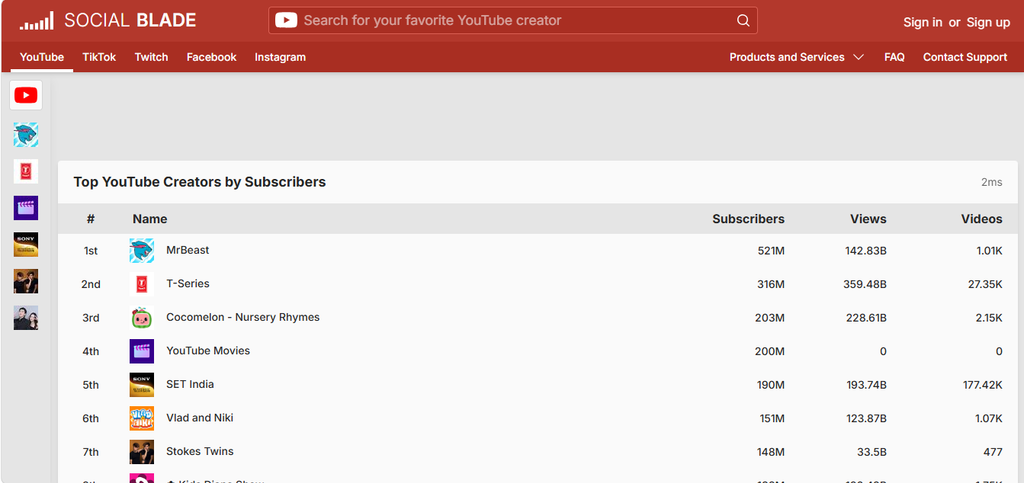
Social Blade tracks publicly available information from YouTube and several other social platforms.
For YouTube, the site records figures such as subscriber numbers and views and shows how those numbers have changed over time. This gives users a way to look at a channel’s public performance without having access to its private YouTube Studio account.
That is particularly useful when looking at another creator’s channel. Someone researching a competitor can see whether its subscriber count or views have been moving steadily or have changed sharply over a particular period.
The historical numbers also provide more information than the current subscriber count alone. Two channels with a similar number of subscribers may have reached that point in very different ways.
Social Blade covers other social networks as well, so its use is not limited to YouTube. It is mainly a source of public statistics rather than a tool for managing your own channel.
Unique Offerings
- YouTube channel statistics
- Subscriber tracking
- View tracking
- Historical performance data
- Competitor research
- Public channel comparisons
- Social-platform tracking
Official website: Social Blade
10. Google Trends
| Developer | |
| Main Focus | Search trends |
| YouTube Use | Topic and demand research |
| Cost | Free |
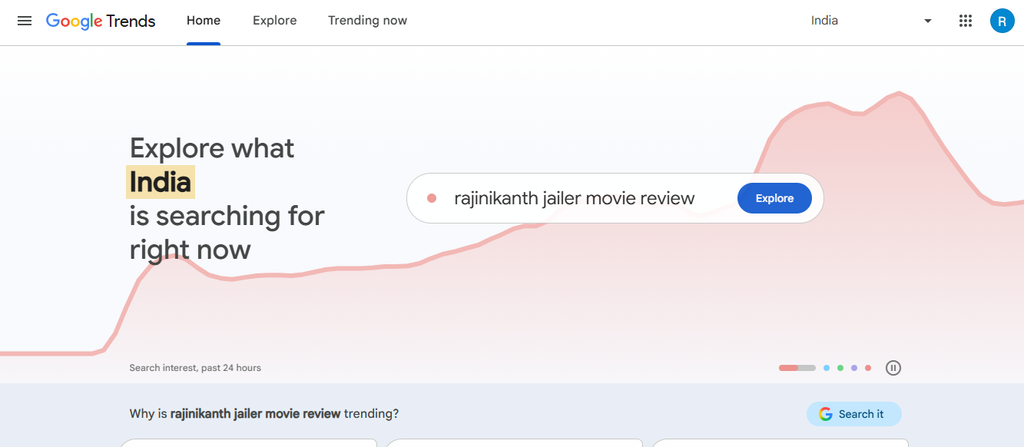
Google Trends shows how interest in a search term has changed over time. A creator can enter a topic, compare it with other terms and see where interest is coming from.
The tool also shows related searches and terms that are starting to attract more attention. This can help when a creator is deciding between several topics or trying to understand how people are searching for a particular subject.
Some topics also follow a clear seasonal pattern. Searches may rise around a particular event, holiday or time of year and then fall again. Looking at the past trend can give a creator an idea of whether that pattern is recurring.
Google Trends does not show how many views a YouTube video will receive. The data comes from Google Search, so it should not be treated as YouTube analytics.
It can still be useful during the research stage. A creator can use it to check whether interest in a topic is increasing, decreasing or staying relatively steady before spending time making the video.
Unique Offerings
- Search trend analysis
- Topic comparison
- Regional interest
- Related searches
- Rising search terms
- Historical trend data
- Free access
Official website: Google Trends
Frequently Asked Questions
What are the best YouTube tools in the USA?
TubeBuddy, vidIQ, YouTube Studio, Canva, Adobe Premiere Pro, CapCut, ChatGPT, Descript, Social Blade and Google Trends are all used for different parts of YouTube work. The choice depends on whether the main requirement is research, editing, design, analytics or planning.
Which tool is best for YouTube SEO?
TubeBuddy and vidIQ both provide keyword research and YouTube optimisation tools. YouTube Studio is also important because it shows how videos are actually performing on a particular channel.
Is YouTube Studio free?
Yes. YouTube Studio is YouTube’s own platform for managing a channel and checking its performance. It provides information about views, watch time, audience behaviour and other channel data.
Which tool is best for YouTube thumbnails?
Canva is a common choice for YouTube thumbnails because it has ready-made templates and simple browser-based design tools. Creators who need more advanced image editing can use professional design software instead.
Is TubeBuddy an SEO tool?
TubeBuddy includes YouTube SEO and keyword research tools, but it also covers other channel tasks. Its features include optimisation, thumbnail testing, research and bulk changes.
Is vidIQ better than TubeBuddy?
The two platforms focus on some of the same areas but have different strengths. vidIQ puts more emphasis on keyword research, competitor analysis and content ideas, while TubeBuddy includes a broader set of optimisation and channel-management tools.