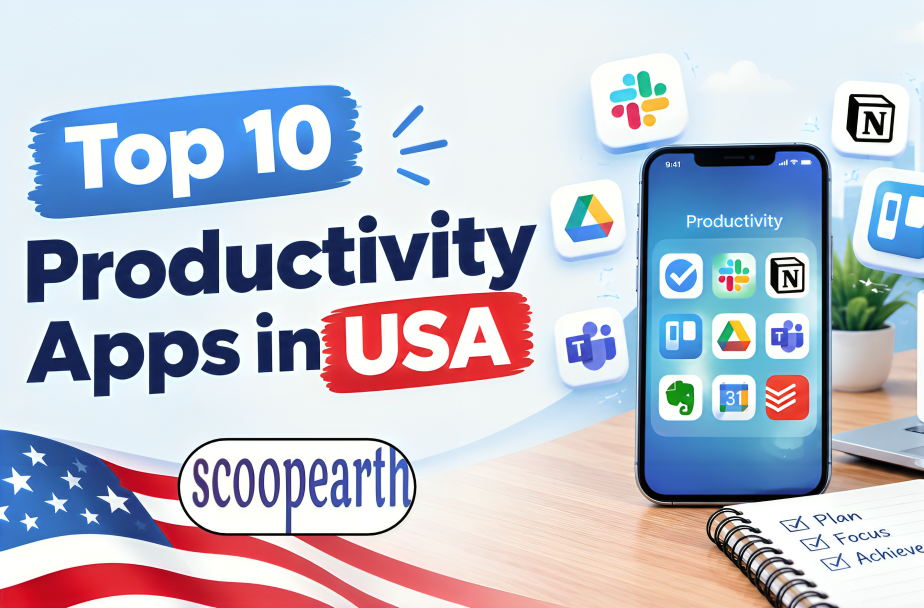
People in the USA use productivity apps for many different kinds of work. Some are mainly for keeping track of tasks. Others are used for calendars, meetings, team communication, writing or recording working hours.
The apps on this list do not all work in the same way. Notion combines notes, databases, tasks and project work. ClickUp takes a similar approach to managing work in one place. Todoist is more focused on everyday tasks, while Google Calendar is mainly used for schedules and meetings. Zapier is different again, as it connects other apps and takes care of repetitive steps.
This list covers 10 popular productivity apps and looks at what each one is mainly used for. It is not arranged according to user numbers or revenue. There is no single figure that can be compared across all 10 apps, and each one is built around a different type of work.
Quick Look at the Top Productivity Apps in the USA
| Rank | App | Main Work |
| 1 | Notion | Notes, tasks and project work |
| 2 | Todoist | Task and to-do management |
| 3 | Google Calendar | Scheduling and calendars |
| 4 | Slack | Team communication |
| 5 | Calendly | Meeting scheduling |
| 6 | Grammarly | Writing and editing |
| 7 | ClickUp | Project and work management |
| 8 | Toggl Track | Time tracking |
| 9 | Zapier | Workflow automation |
| 10 | Asana | Project and task management |
1. Notion
Headquarters: San Francisco, California
Main Business: Notes, databases, tasks and project management
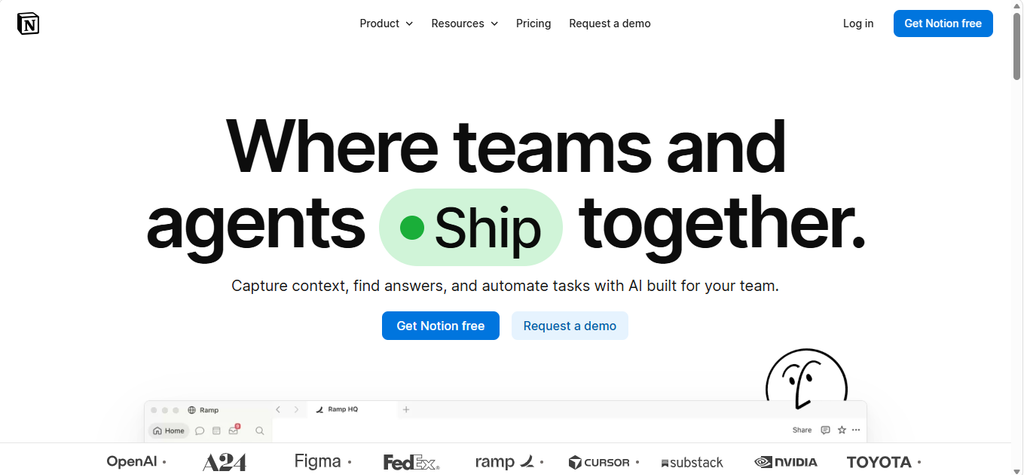
Notion is more than a notes app. People use it to write documents, keep information, make databases, manage tasks and plan projects.
One of the main things about Notion is that users can decide how they want to set up their pages. A project might have a task list, a database and documents in the same workspace. Teams can also keep company information and shared documents there.
Notion has also added AI features. These can be used with documents and information inside the workspace, as well as for writing and other tasks.
For someone who only wants to take notes, Notion can be used that way. A team can also use it for much more, depending on how it sets up the workspace.
Unique Offerings
● Notes and document management
● Custom databases
● Task and project tracking
● Shared team workspaces
● Built-in AI features
Official website: Notion
2. Todoist
Founded: 2007
Main Business: Task and to-do management
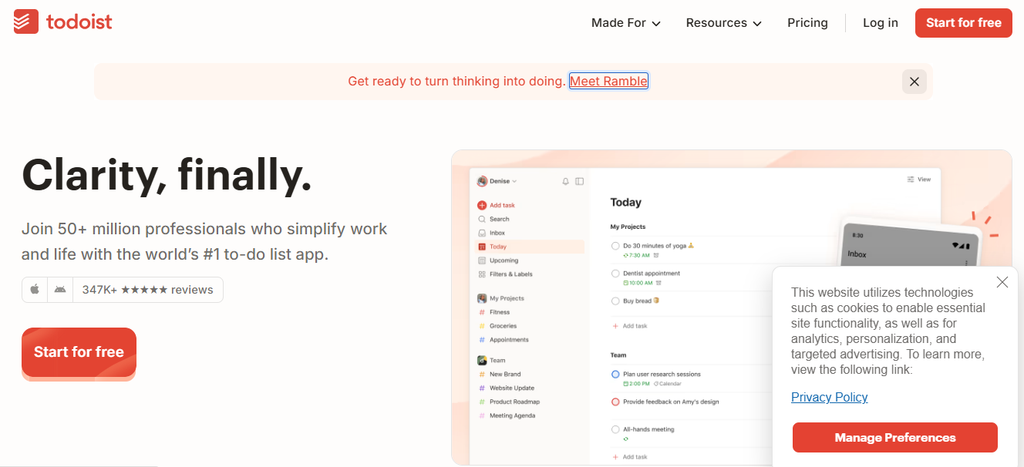
Todoist is focused mainly on tasks and to-do lists. Users can create projects, add tasks and divide larger tasks into smaller steps.
Tasks can include due dates, priorities, labels and recurring schedules. This gives users a simple way to keep track of regular work as well as one-time tasks.
Todoist can be used for personal tasks or work. A person can keep track of appointments and daily activities, while teams can use shared projects to divide responsibilities.
The app also supports natural-language task entry. Users can enter a task along with scheduling details without having to set every option separately.
Unique Offerings
● To-do lists and task management
● Projects and subtasks
● Recurring tasks
● Priorities and labels
● Shared projects
Official website: Todoist
3. Google Calendar
Main Business: Scheduling and time management
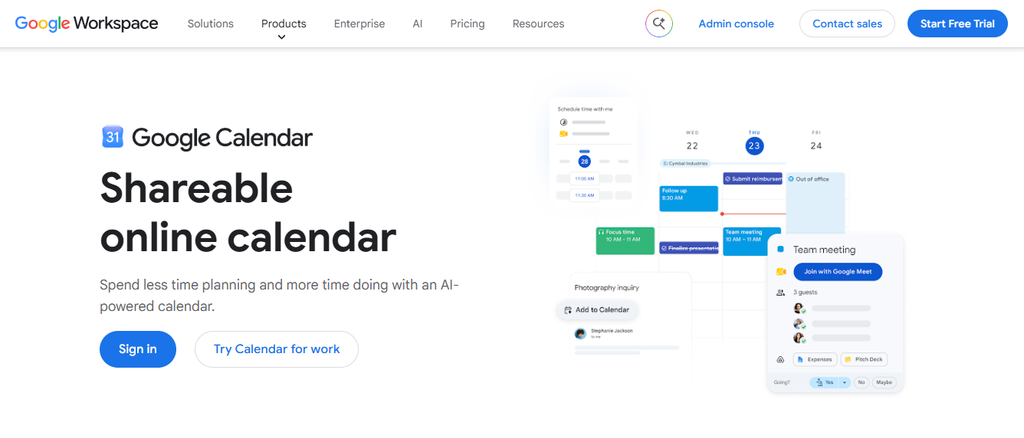
Google Calendar is used for appointments, meetings and other events. Users can keep different activities in one calendar or create separate calendars for different parts of their schedule.
Users can create events, invite other people and share calendars. This is useful for both personal schedules and work meetings.
Google Calendar also works with other Google services. Gmail and Google Meet can be used alongside the calendar, which makes it easier to manage emails, meetings and scheduled events in one place.
People can also set reminders and recurring events. That means regular meetings, appointments and other activities do not have to be added again every time.
Unique Offerings
● Calendar and event management
● Shared calendars
● Meeting invitations
● Recurring events
● Integration with Google services
Official website: Google Calendar
4. Slack
Headquarters: San Francisco, California
Main Business: Team communication and collaboration
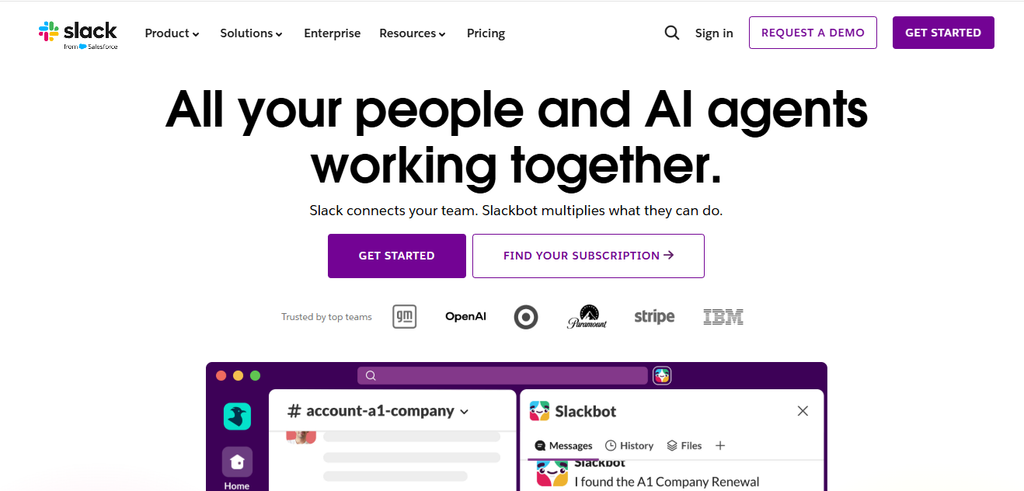
Slack is mainly a communication tool for workplaces. Teams create channels for projects, departments or specific topics and keep conversations there.
Instead of sending every update through email, employees can post messages in the relevant channel. People can also send direct messages, share files and start huddles for quick conversations.
Slack has expanded beyond messaging over the years. It includes canvases, lists and workflow tools, while integrations connect it with other services used by a business.
The company has also added automation features. Teams can use workflows for routine tasks without writing code.
That means Slack can sit at the centre of a team’s daily communication while also connecting with the other tools the team uses.
Unique Offerings
● Team and project channels
● Direct messaging
● Huddles and file sharing
● App integrations
● Workflow automation
Official website: Slack
5. Calendly
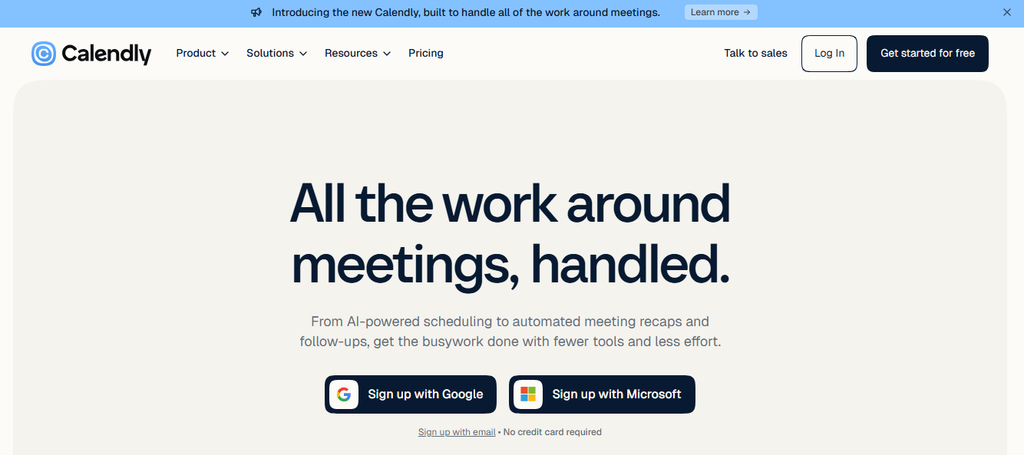
Main Business: Meeting and appointment scheduling
Calendly was built around a common problem: arranging a meeting can take several emails.
The service lets users create a booking page with their available times. Someone who needs a meeting can choose a suitable slot without asking for availability first.
Calendly connects with calendars and checks availability before confirming a booking. Users can also set meeting lengths, buffers and limits on how many meetings people can book.
This makes the service useful for sales teams, consultants, recruiters and other professionals who regularly meet people outside their organisation.
Unlike a general calendar, Calendly concentrates on the booking process itself.
Unique Offerings
● Personal scheduling pages
● Calendar availability checks
● Different meeting lengths
● Buffer time between meetings
● Booking limits
Official website: Calendly
6. Grammarly
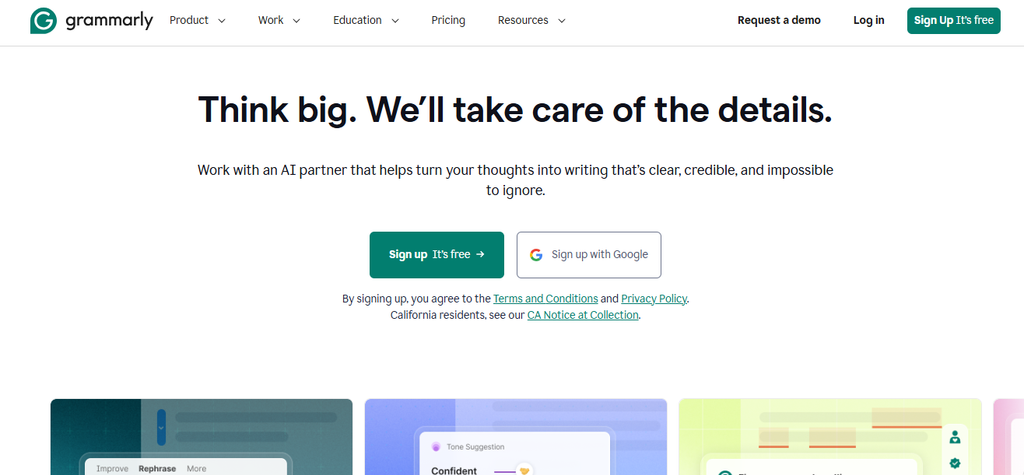
Main Business: Writing and editing
Grammarly started as a writing checker. It looks for problems with grammar, spelling and punctuation and suggests corrections.
The service has since added tools for clarity, tone and rewriting. Users can get suggestions while writing emails, documents and other types of content.
Grammarly also offers AI writing features. Users can ask it to rewrite text, change the tone or help with a piece of writing rather than only correcting individual mistakes.
The software works across websites and applications, so users do not always need to copy their writing into a separate editor.
For people who write a lot of emails, reports or business documents, that can save time during the editing stage.
Unique Offerings
● Grammar and spelling checks
● Writing and clarity suggestions
● Tone detection
● AI rewriting
● Support across different applications
Official website: Grammarly
7. ClickUp
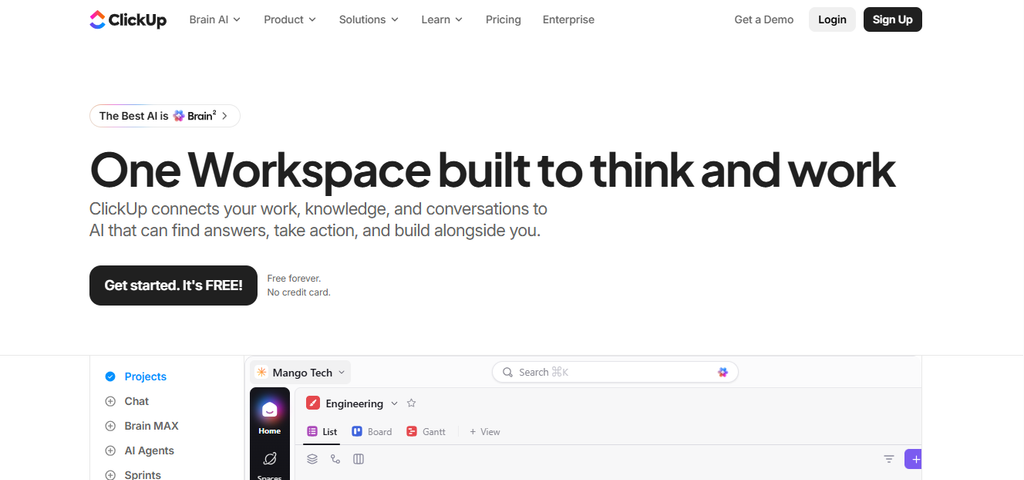
Main Business: Project and work management
ClickUp is designed for teams that want to manage several types of work in one place. It includes tasks, projects, documents, goals and workflow tools.
Teams can assign tasks, set deadlines and create different statuses for their work. They can also choose different views depending on how they want to see a project.
ClickUp includes Docs for writing and storing project information. Its automation features can handle some repeated actions, while goals help teams connect day-to-day tasks with larger targets.
The platform has a large number of features, so it can take more time to set up than a simple task manager.
For teams that already use several separate work tools, however, bringing some of those functions together can make the system easier to manage.
Unique Offerings
● Task and project management
● Custom project views
● Goals and progress tracking
● Docs and shared information
● Workflow automation
Official website: ClickUp
8. Toggl Track
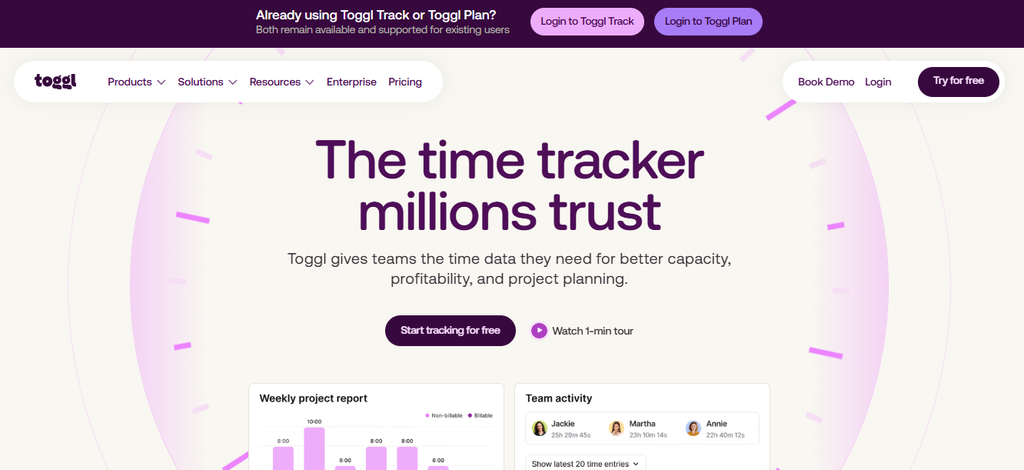
Main Business: Time tracking
Toggl Track focuses on one thing that many productivity apps do not cover in as much detail: how people spend their working hours.
Users can start a timer when they begin a task or enter their time manually. They can assign that time to different projects and clients.
The app also supports billable hours, timesheets and reports. Businesses can use those reports to see how much time projects require, while individuals can use them to understand where their working day goes.
Toggl Track also includes a Pomodoro timer and focus features for people who want to work in shorter, concentrated sessions.
This makes it useful for freelancers, agencies, consultants and teams that need to record time for client work.
Unique Offerings
● Time tracking
● Manual time entries
● Billable-hour tracking
● Timesheets and reports
● Pomodoro and focus tools
Official website: Toggl Track
9. Zapier
Main Business: Workflow automation
Zapier works differently from most of the apps on this list. It connects other applications and lets them pass information between each other automatically.
For example, a new form submission can create a task in another application. A new lead can also trigger an email or add a record to a database.
These automated workflows are called Zaps. Users choose a trigger and then set the actions that should happen after it.
Zapier supports thousands of applications and has expanded into AI-based automation as well. Users can build workflows without writing traditional code.
That can remove small manual jobs that take only a few minutes each but add up over a working week.
Unique Offerings
● App-to-app automation
● Thousands of connected applications
● No-code workflow creation
● AI automation features
● Automated data transfer between services
Official website: Zapier
10. Asana
Main Business: Project and task management
Asana helps teams organise work around projects and tasks. A project can contain a series of tasks, with each task assigned to a person and given a deadline.
Teams can view the same project in different ways. List, board, calendar, timeline and Gantt views give people different ways to follow the work.
Asana also supports task dependencies, custom fields, goals and reporting. These features become more useful when a project has several people working on different parts at the same time.
The platform has also added AI and automation features. Teams can use these tools to handle parts of their workflow and get more information from their project data.
Asana is therefore more focused on managing organised team projects than on simple personal to-do lists.
Unique Offerings
● Project and task management
● Timeline and Gantt views
● Kanban-style boards
● Task dependencies
● Goals, reporting and automation
Official website: Asana
Why Productivity Apps Are Important in the USA
People Use Different Apps for Different Jobs
The 10 apps on this list do not all solve the same problem.
Todoist is mainly for tasks. Google Calendar handles schedules. Calendly focuses on bookings, while Toggl Track records time. Slack deals with communication, and Grammarly focuses on writing.
That difference matters when choosing an app. A person who only wants to organise daily tasks may not need a large project-management platform.
Work Apps Are Starting to Overlap
Some productivity apps now cover several jobs at once.
Notion combines notes, databases and project work. ClickUp brings tasks, documents and goals together. Asana combines project management with reporting, goals and automation.
This gives businesses fewer separate systems to maintain. It also means that users need to spend some time deciding which features they actually need.
Automation Is Becoming More Common
Automation now appears in many productivity platforms.
Zapier has built its entire service around connecting applications and automating repeated work. Slack, Notion, ClickUp and Asana also provide their own automation features.
The idea is fairly simple. If a person keeps doing the same step after the same event, software can often handle that step instead.
That can be useful for routine work such as creating tasks, sending notifications or moving information between applications.
AI Has Become Part of Productivity Software
AI is now built into several of the major productivity apps.
Notion uses AI within its workspace. Grammarly uses it for writing and rewriting. ClickUp and Asana have added AI features for work management, while Google has brought Gemini into parts of its Workspace products.
The role of AI differs from one app to another. Some use it to write or edit text. Others use it to find information, summarise work or handle routine tasks.
Conclusion
The top productivity apps in the USA cover different parts of everyday work.
Notion brings notes, databases and project work together. Todoist focuses on tasks, while Google Calendar handles schedules and appointments. Slack is built around team communication, and Calendly makes meeting bookings easier.
Grammarly helps with writing. ClickUp and Asana manage larger projects and team workloads. Toggl Track focuses on working hours, while Zapier connects different applications and automates repeated steps.
The best choice depends on the problem a person or team needs to solve. Someone who wants a simple task list may prefer Todoist. A project team may need Asana or ClickUp. A business with too many manual processes may get more value from Zapier.
There is no need to choose an app simply because it has the most features. The better option is usually the one that fits the way the work is already being done.
Frequently Asked Questions
Which is the best productivity app in the USA?
There is no single best productivity app for everyone. Todoist works well for task management, while Notion, ClickUp and Asana cover broader types of work.
What is the best productivity app for personal use?
Todoist is a good choice for straightforward personal task management. Notion can be a better fit for someone who wants notes, databases and tasks together.
Which productivity app is best for teams?
Slack is useful for team communication. Asana and ClickUp are better suited to organising projects, tasks and responsibilities. Notion can also work well when a team needs shared documents and information.
Which app is best for scheduling meetings?
Google Calendar works well for general scheduling. Calendly is more focused on letting other people book meetings based on available times.
Which productivity app is best for tracking time?
Toggl Track is built specifically for time tracking. It can record working hours, billable time and time spent on different projects.
Which productivity apps have AI features?
Notion, Grammarly, ClickUp, Asana and Google Workspace products now include AI features. The actual tools available depend on the platform and, in some cases, the subscription plan.
Can one productivity app replace several other tools?
Sometimes. Notion, ClickUp and Asana combine several work functions. Zapier takes a different approach by connecting separate applications instead of replacing them.
What should I check before choosing a productivity app?
Start with the actual problem. Check whether you need task management, scheduling, communication, time tracking, project management or automation. Then look at integrations, ease of use and pricing. More features do not necessarily make an app a better fit.